Retail and warehouse speed depend on scanners that read the first time, every time, which is why the Honeywell Voyager XP 1470g has earned a loyal following at checkout counters and stock rooms in 2026. This durable handheld reads both printed and on-screen barcodes without hesitation.
This review explains what makes the Honeywell Voyager XP 1470g a dependable workhorse, how it stacks up against older 1D-only scanners, and where it fits inside a broader business communication and hardware setup for shops across Pakistan and Saudi Arabia.
What Is the Honeywell Voyager XP 1470g?
The Honeywell Voyager XP 1470g is a rugged handheld barcode scanner engineered for retail, healthcare, and light-industrial use. It captures both traditional 1D barcodes and modern 2D codes, including QR codes shown on a customer’s phone screen.
Its reputation rests on two traits: durability and aggressive scanning. The unit is built to survive repeated drops onto hard floors, and its imager locks onto damaged or poorly printed labels that frustrate cheaper scanners.
Retailers who adopt the Honeywell Voyager XP 1470g typically replace two older tools with one, since it reads both shelf barcodes and phone-screen coupons. That consolidation trims hardware costs and simplifies the training a new cashier needs on day one.
What Sets It Apart
- Omnidirectional reading: Point and shoot from almost any angle for faster throughput.
- Damaged-barcode recovery: Advanced imaging reads torn, wrinkled, or faded labels.
- Mobile screen scanning: Reads coupons and tickets straight off a smartphone display.
- Drop resistance: Rated to withstand repeated falls in busy environments.
- Plug-and-play setup: Connects over USB and works with common POS software immediately.
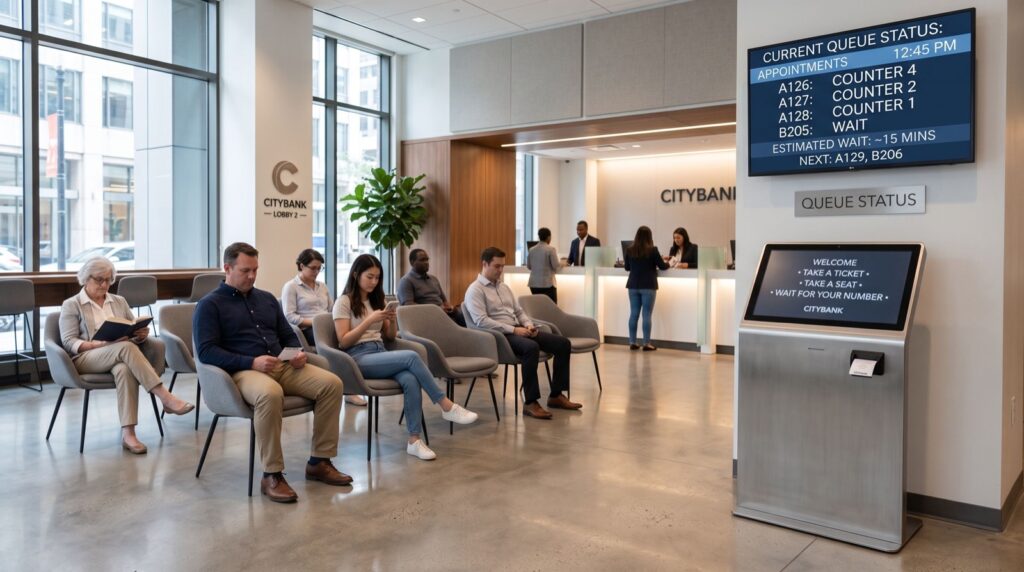
These strengths matter most at peak hours. When a queue forms, a scanner that reads instantly keeps the line moving and the customer happy.
Why Do 2D Scanners Matter for Modern Retail?
Payments and loyalty programmes have moved to the phone screen, and QR-based transactions keep growing worldwide. Guidance from GS1, the global body behind barcode standards, confirms that 2D codes now carry far more data than legacy 1D symbols, which is why upgrading matters.
An old 1D-only scanner simply cannot read a QR coupon or a digital ticket. That gap forces manual entry, slows the queue, and annoys shoppers. The Voyager XP 1470g closes it in a single, affordable device.
Everyday Scenarios Where It Shines
- Grocery checkouts reading crumpled or freezer-frosted labels without a re-scan.
- Pharmacies verifying small, dense codes on medicine packaging accurately.
- Retail loyalty desks scanning digital coupons directly from a phone.
- Warehouses tracking inventory during fast-paced goods-in shifts.
Because it handles all of these with one tool, businesses avoid stocking multiple scanner types. That simplicity lowers training time and spare-parts overhead.
How Does the Voyager XP 1470g Compare to Basic Scanners?
Many shops still run legacy laser scanners and only notice their limits when a customer waves a QR coupon. The comparison below shows why an imager-based 2D unit has become the sensible default in 2026.
| Feature | Basic 1D Laser | Honeywell Voyager XP 1470g |
|---|---|---|
| Reads QR / 2D codes | No | Yes |
| Scans phone screens | No | Yes |
| Damaged-label recovery | Weak | Strong |
| Drop durability | Moderate | High |
| Future-proofing | Limited | Excellent |
The verdict is clear. For any shop that expects mobile coupons or dense 2D labels, the small price step up to a 2D imager pays for itself in avoided delays and fewer manual keystrokes.
Fitting the Scanner Into Your Wider Tech Stack
A scanner rarely stands alone. It usually shares a counter with a POS terminal, a receipt printer, and increasingly an IP phone for customer service and supplier calls. Planning these together produces a cleaner, more reliable front desk.
For Gulf-based retailers building out that stack, pairing the scanner with dependable voice hardware such as Fanvil IP Phones in Saudi Arabia keeps ordering, support, and checkout on one coherent, well-supported platform rather than a patchwork of unrelated gadgets.
Deployment Advice From the Floor
Buying the right scanner is only half the job. Correct mounting, POS configuration, and a quick staff walkthrough decide whether the device delivers. Engaging trusted professionals for installation ensures the scanner is programmed for your product catalogue and integrated cleanly with your existing checkout software.
A practical tip worth its weight: enable the audible good-read beep and set it loud enough to hear over the shop floor. Cashiers rely on that beep for rhythm, and a confident tone quietly speeds up the entire lane during rush hour.
Setup Details That Prevent Headaches
Program your scanner to your exact barcode symbologies during install. If your catalogue uses a specific 2D format, confirming it upfront stops mystery no-reads later. A quick scan-sheet configuration handles this in minutes.
Position the scanner cradle within easy reach of the dominant hand. Ergonomics sound trivial, yet a cashier who reaches awkwardly hundreds of times a day slows down and tires. Small placement choices compound across a full shift.
Keep the scan window clean. A smudged imager window is the most common cause of sluggish reads, and a soft cloth wipe each morning restores full speed. It is the cheapest performance upgrade you will ever make.
Frequently Asked Questions
Can the Honeywell Voyager XP 1470g read barcodes off a phone screen?
Yes. Its 2D imager is designed to capture QR codes and barcodes displayed on smartphone screens, which is essential for digital coupons, mobile tickets, and loyalty programmes used across modern retail.
Is it hard to connect to an existing POS system?
Not at all. The scanner is plug-and-play over USB and works with most point-of-sale software out of the box. Configuration scan sheets let you fine-tune settings such as prefixes without any programming skills.
How durable is it in a busy shop?
It is rated to survive repeated drops onto hard surfaces, making it well suited to fast-paced checkouts and warehouses. This ruggedness reduces replacement costs compared with fragile consumer-grade scanners.
Does it read damaged or faded barcodes?
Yes. The imaging engine recovers torn, wrinkled, and low-contrast labels that older laser scanners often miss, cutting down on re-scans and manual entry at the counter.
Scan Smarter, Serve Faster
The Honeywell Voyager XP 1470g combines rugged durability, 2D and mobile scanning, and effortless setup, making it a future-proof choice for any counter or warehouse in 2026. Match it with the right POS and voice hardware, enable a confident read tone, and lean on a professional installer. Contact a specialist today, request a live demo, and give your team a scanner that keeps every line moving.